Leave Your Message
-
Phone
-
E-mail
-
Whatsapp

Choosing an Internet Router in 2026 is less about chasing the biggest number on a box and more about matching hardware to a real home or workplace. Internet pioneer Vint Cerf has said, “The Internet is for everyone.” That idea makes access and reliability central to the choice. A compact apartment, a long house with thick walls, and a busy office place very different demands on a router.
This guide compares the leading router types: traditional single-unit models, mesh systems, Wi-Fi 7 routers, gaming-focused devices, travel routers, and cellular 5G gateways. Each has trade-offs. Mesh nodes can help reach a back bedroom, but placement and wired backhaul affect results. Wi-Fi 7 can support newer devices, yet older phones will not gain every feature. A gaming model may offer useful traffic controls, though its bright lights do not guarantee lower latency. Look beyond the package claims. Check supported standards, Ethernet ports, update policies, coverage, and the devices already in use. Small details matter. A router tucked behind a television may perform worse than one placed openly near the center of a home.
No single type wins for everyone. That is the honest, slightly inconvenient part. The sections ahead explain what each design does well, where it falls short, and which questions to ask before buying. Real rooms differ. A reliable choice starts with measured needs, not marketing promises.
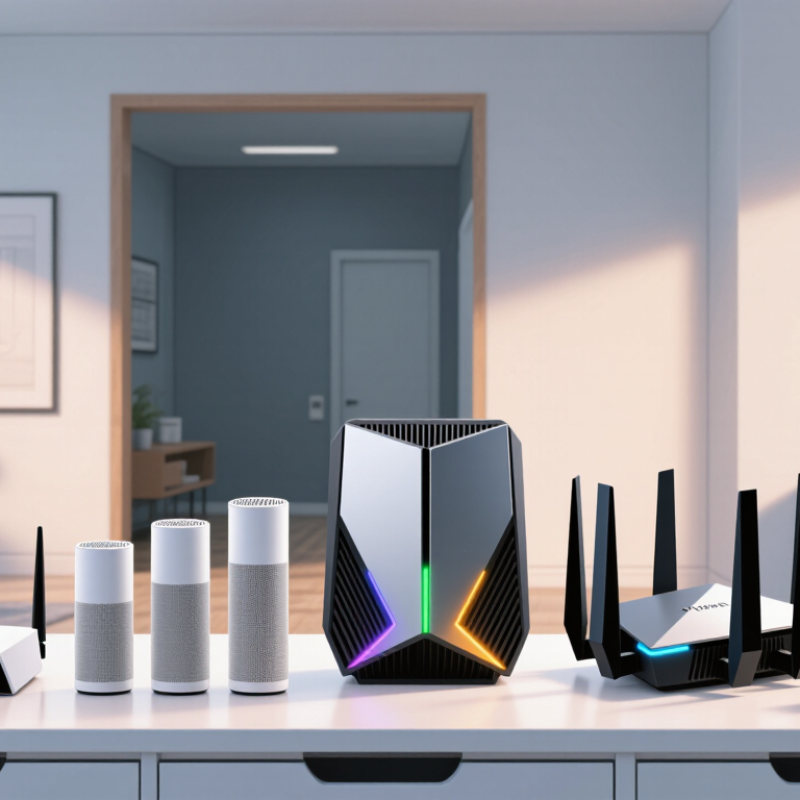
Internet routers are easiest to classify by their connection, design, and intended setting. These categories can overlap. One device may fit several at once.
Connection type describes how a router reaches the internet. A home router may connect to a separate modem or optical terminal for cable, DSL, or fiber service. Cellular routers use a mobile network, while satellite equipment receives service through a satellite connection. Check the service provider’s required equipment and the router’s input ports; a familiar Wi-Fi name does not guarantee compatibility.
Design describes how equipment handles routing and coverage. A standalone router works with a separate modem or terminal, while a gateway combines those functions in one box. Mesh systems use multiple nodes to extend coverage between rooms, though thick walls can still weaken signals. Travel routers are compact and suited to temporary setups. Small, but useful.
Wireless capability offers another classification. Routers differ by Wi-Fi generation, supported frequency bands, wired ports, and security features. A newer wireless standard may help compatible devices, but it cannot increase the speed of an internet plan on its own. I would not treat labels such as “gaming” or “whole-home” as technical classes; they can conceal differences in ports, radio support, and coverage. Check the devices you use, the layout of your home, and the service connection before comparing models.
| Router type | How it is classified | Typical internet connection | Main strengths | Common limitations | Best suited for |
|---|---|---|---|---|---|
| Wireless (Wi-Fi) router | A standalone router that routes network traffic and provides Wi-Fi; it may also have Ethernet ports. | Usually connects to a separate modem or optical network terminal (ONT). | Supports wireless and wired devices from one local network; available in a range of performance and feature levels. | Coverage can be reduced by distance, walls, interference, and router placement. | Homes and small offices needing everyday Wi-Fi and Ethernet access. |
| Wired router | Routes traffic between a local network and the internet using Ethernet; Wi-Fi is not built in on many models. | Typically connects to a modem or ONT through an Ethernet WAN port. | Provides stable wired connections and avoids wireless radio interference. | Wireless access requires a separate access point if the router has no Wi-Fi. | Wired workstations, network equipment, or setups with separate Wi-Fi access points. |
| Mesh Wi-Fi system | A coordinated router-and-node system that extends one Wi-Fi network across multiple locations. | The primary unit generally connects to a modem or ONT; additional nodes link wirelessly or by Ethernet. | Can improve Wi-Fi coverage across larger or multi-level spaces; devices can move between nodes on the same network. | Performance depends on node placement and the quality of the link between nodes; additional units add cost. | Larger homes or layouts where one router does not provide sufficient coverage. |
| Modem-router gateway | A combined device containing a modem and router, often with built-in Wi-Fi. | Uses a compatible access link such as cable or DSL; fiber installations commonly use an ONT instead of a conventional modem. | Combines several network functions in one unit and can simplify installation. | Compatibility and configuration options vary; replacing one function may require replacing the whole unit. | Users who want a consolidated setup and whose internet service supports the gateway type. |
| Cellular router | Uses a mobile network connection as its internet WAN link, commonly through a SIM or eSIM. | 4G LTE or 5G cellular service, depending on device and network availability. | Can provide internet where fixed broadband is unavailable and may serve as a backup connection. | Speed, latency, and reliability vary with signal, network congestion, coverage, and data-plan terms. | Remote locations, temporary connections, or backup internet access. |
| Travel router | A compact, portable router that creates a private local network from a wired or wireless upstream connection; some models also support cellular access. | Hotel or venue Ethernet, an existing Wi-Fi network, or cellular service on supported models. | Portable and useful for connecting several personal devices through one local network. | Usually has less range and fewer ports than a full-size home router; upstream network quality still matters. | Travel, temporary workspaces, and other situations requiring a portable network. |
| Enterprise or business router | A router designed for managed networks, often with advanced routing, security, monitoring, or multi-WAN features. | One or more business internet connections, such as fiber, Ethernet, or cellular failover. | Supports more detailed network policies, segmentation, and centralized administration on capable models. | May require specialist setup and ongoing configuration; features differ considerably by model. | Small and medium-sized organizations with managed-network requirements. |
Classification note: These categories describe common router form factors and connection methods. A single device may fit more than one category, and actual performance depends on the internet service, local network, hardware, placement, and environmental conditions.