How to Set Up a Mesh Network Router for Optimal Wi-Fi Coverage
In today’s digital age, strong Wi-Fi coverage is essential. Research indicates that over 80% of households rely on multiple devices. A Mesh Network Router can solve connectivity issues faced in larger homes. This technology is designed to eliminate dead zones and deliver seamless internet access throughout the environment.
Statistics show that nearly 60% of users experience weak signals in certain areas. Such limitations often impact productivity and leisure. A properly set up mesh network can significantly enhance signal strength. Each unit within the network communicates with others, creating an extensive web of coverage. However, many users find installation challenging and often overlook optimal configurations.
Understanding the unique layout of your home is crucial. Factors such as wall materials and obstructions can affect performance. Many fail to adjust settings for peak efficiency. While the promise of a Mesh Network Router is appealing, ongoing maintenance and updates are necessary. Regularly revisiting your setup can lead to improvements. Ultimately, the right approach ensures a reliable and efficient internet experience.

Understanding the Basics of Mesh Network Technology
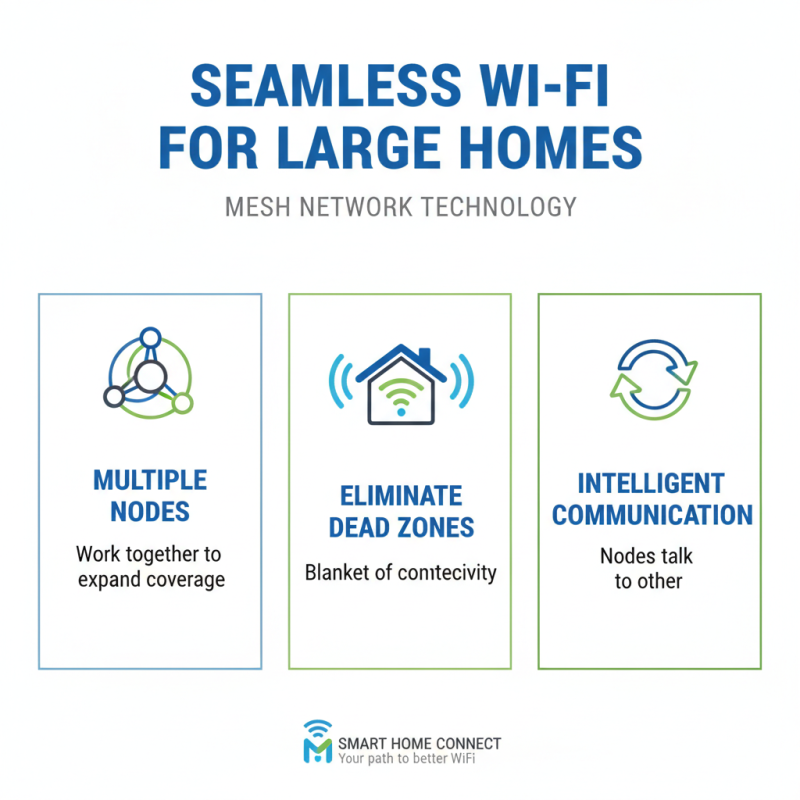
Mesh network technology allows for seamless Wi-Fi coverage in larger homes. It consists of multiple devices, often called nodes, that work together. Unlike traditional routers, mesh systems eliminate dead zones. Each node communicates with others, creating a blanket of connectivity.
Setting up a mesh network can be straightforward, yet mishaps can occur. Placement is critical; nodes must be strategically positioned. Distances matter. If nodes are too far apart, connectivity weakens. Walls, floors, and appliances can hinder signals. Experimentation may be necessary.
Performance can vary. Users may notice drops in speed if the network isn't optimized. It is crucial to test speeds in different areas. A well-planned network layout will significantly improve the experience. Network management apps can help identify issues. Careful adjustments may lead to better coverage and reliability.
Step-by-Step Installation Process for Mesh Network Routers
Setting up a mesh network can enhance your Wi-Fi coverage. Begin by placing the primary router in a central location. This helps ensure an even distribution of the Wi-Fi signal. It’s important to avoid corners or enclosed spaces. These can reduce signal strength and create dead zones.
Next, place the satellite nodes throughout your home. Aim for locations where the signal from the main router is still strong. Many recommend using a mobile app or web interface to monitor signal strength. If the nodes are too far, they won't work effectively. Take the time to adjust their positions based on performance.
Testing the network is crucial. Walk around your home and check the connection. Note any areas with poor coverage. This can be frustrating, but it’s part of the process. You may need to reposition certain nodes several times. Don't hesitate to experiment. Refining the setup can lead to optimal coverage, addressing all those awkward dead spots along the way.
Optimal Wi-Fi Coverage by Room Size
Optimizing Your Mesh Network Settings for Best Performance
When optimizing your mesh network settings, start by positioning the nodes wisely. Place them in open areas, free from obstructions. Walls and furniture can weaken the signal. Ideally, nodes should be within line of sight for best communication. Each node needs to have a clear path to the main router. If the nodes are too far apart, the speed may drop significantly.
Adjusting the settings is also crucial. Most mesh networks allow you to choose between different frequency bands. Using the 5 GHz band usually provides faster speeds but covers shorter distances. In contrast, the 2.4 GHz band has a broader range but offers slower speeds. Experiment with both options to see what works best in your environment.
Moreover, regularly checking for updates can enhance performance. Outdated firmware may lead to connectivity issues. Additionally, consider network congestion from too many devices.
Limit unnecessary connections to maintain performance. Sometimes, re-evaluating your network layout can lead to unexpected improvements. Find what fits your needs best through trial and error.
Troubleshooting Common Issues with Mesh Wi-Fi Networks
Setting up a mesh Wi-Fi network can vastly improve your home internet coverage. However, issues might arise during or after installation. One common problem is poor connectivity in certain areas. This often stems from inadequate placement of mesh nodes. Ideally, nodes should be positioned within a reasonable distance from each other, usually not more than two rooms apart. If they’re too far, signals weaken.
Another frequent complaint is slow speeds during peak usage. This can be frustrating. Sometimes, repositioning your nodes can help. Placing them away from potential interference, like microwaves or thick walls, can improve performance. In some cases, restarting your devices can resolve temporary issues. Don't overlook firmware updates. Keeping your network firmware current can fix issues you didn’t even realize existed.
You may also encounter devices failing to connect. This could indicate an overloaded network. Consider limiting the number of devices connected at once. Ensuring your mesh network is properly configured can prevent devices from clashing. Lastly, reflecting on your specific layout and internet needs can provide valuable insights. Regularly reassess the placement and load on your network for optimal performance.